Mokk
Any screenshot, beautifully framed.
Visit the site- Role
- Fullstack
- Year
- 2026
- Type
- Design tool
- Built with
- Next.js
- TypeScript
- Tailwind CSS
- Node.js
- Express
- Puppeteer
- Unsplash API
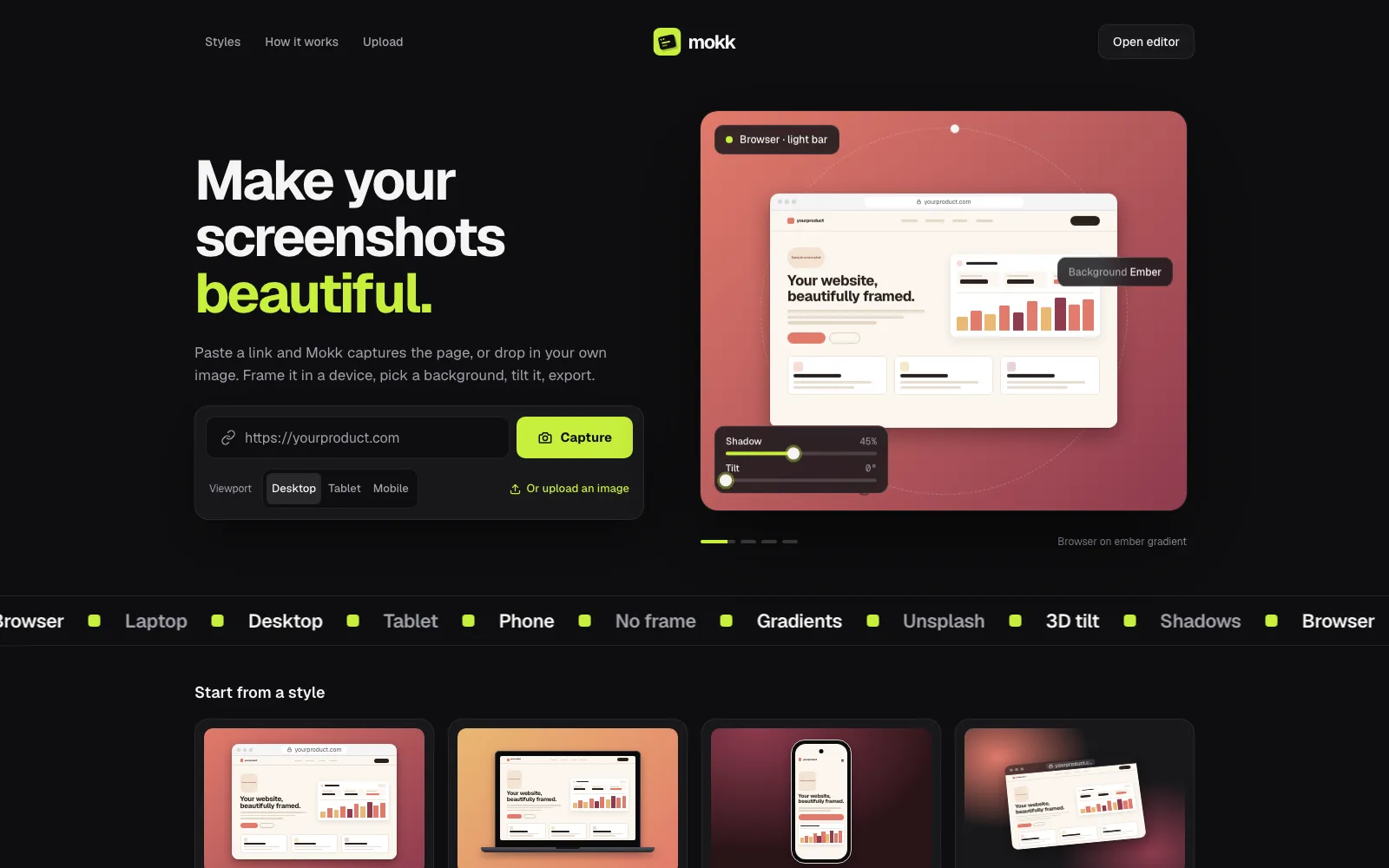
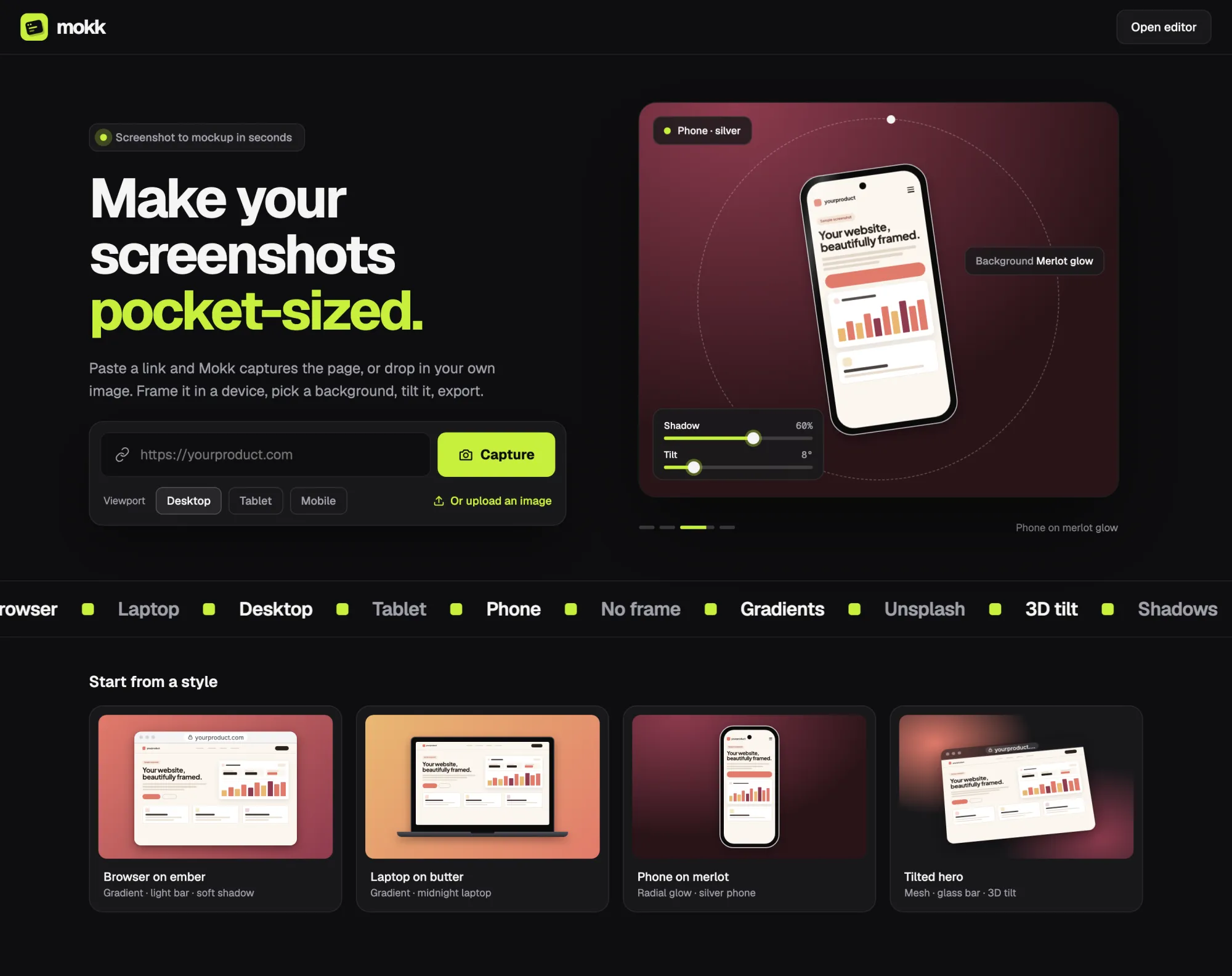
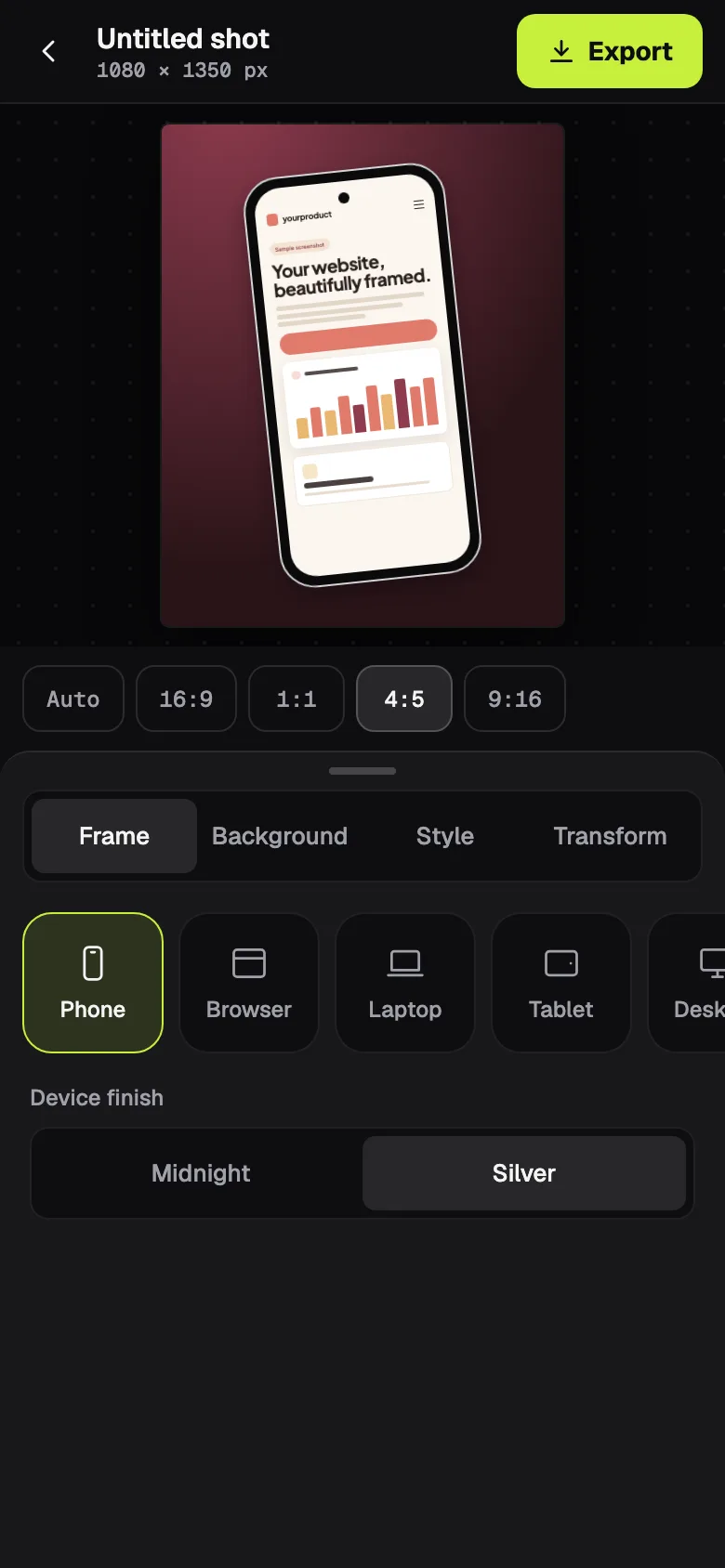
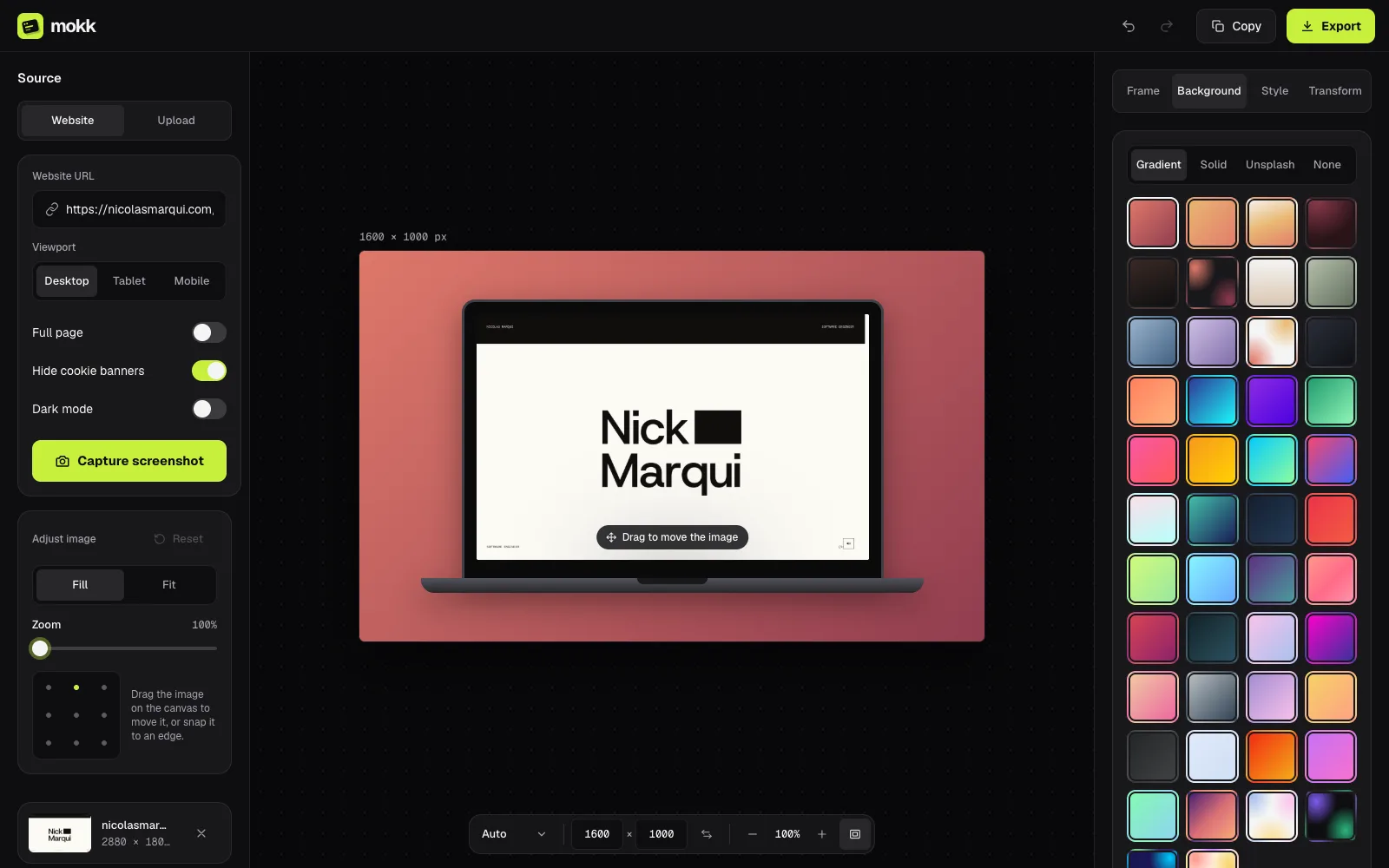
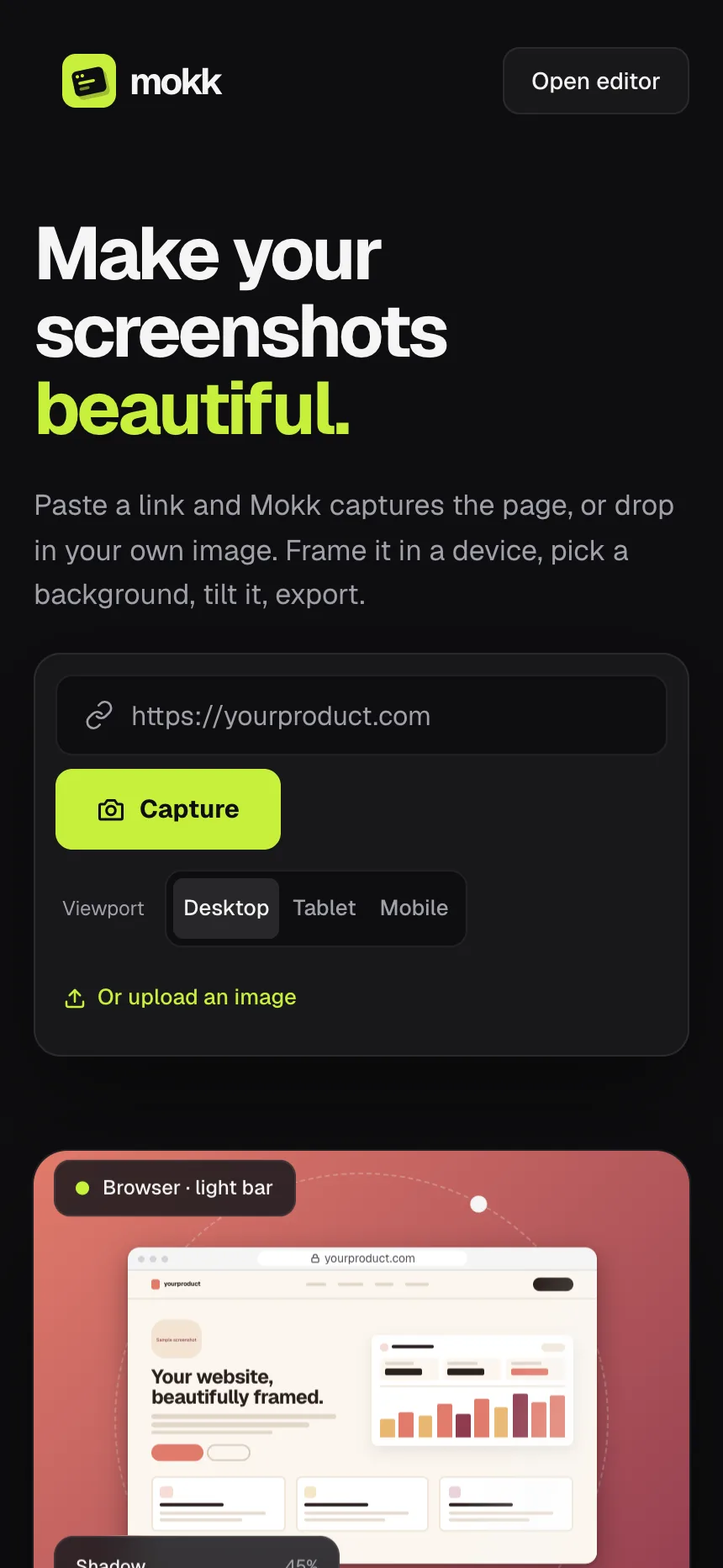
Make your screenshots look good. Paste a link and Mokk captures the page, or drop in your own image, then frame it in a device, pick a background, tilt it and export.
Every launch post, portfolio and app store page needs nice screenshots, and making them usually means opening a design tool, finding a device template and nudging things around for half an hour. A plain browser screenshot just looks flat.
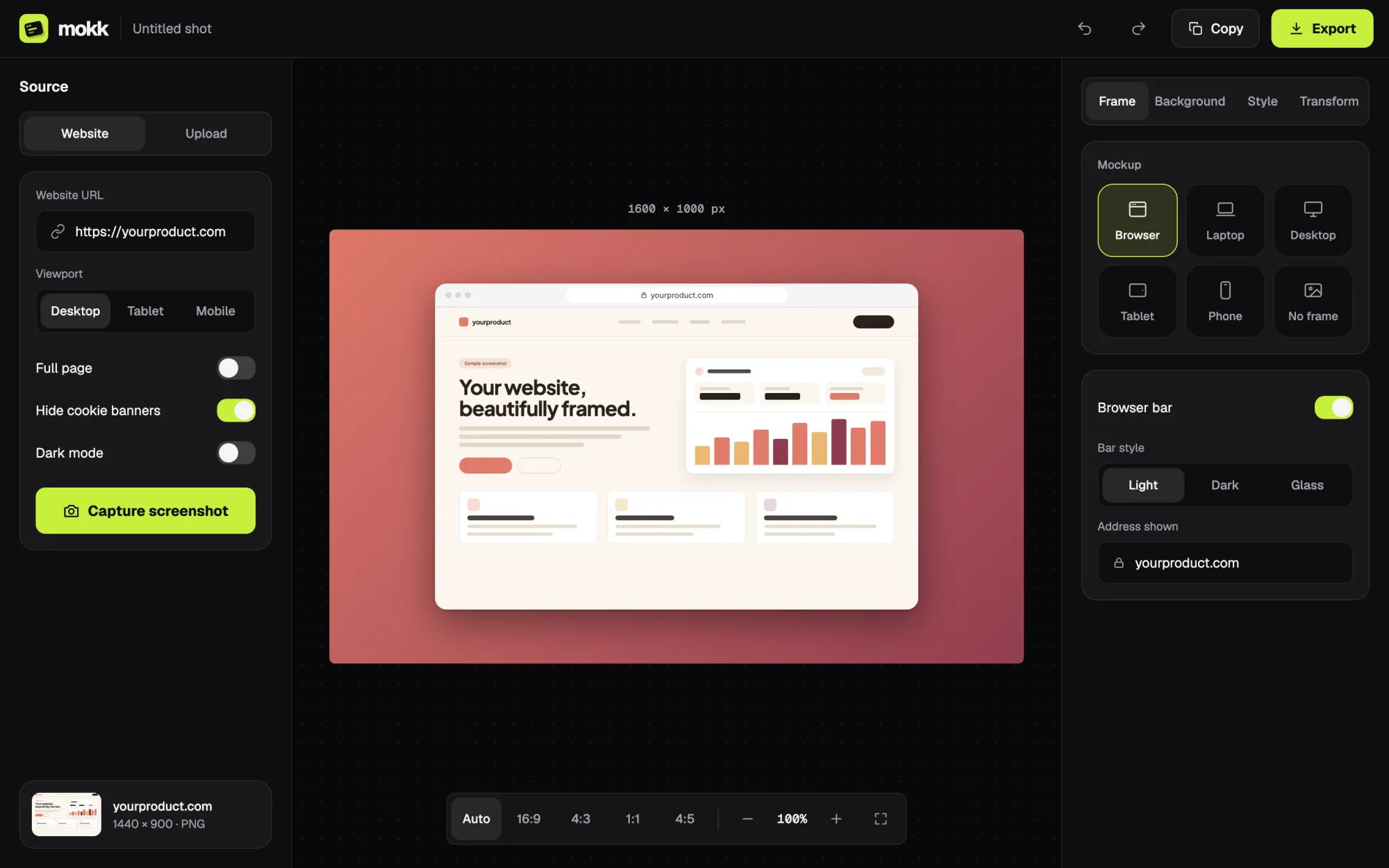
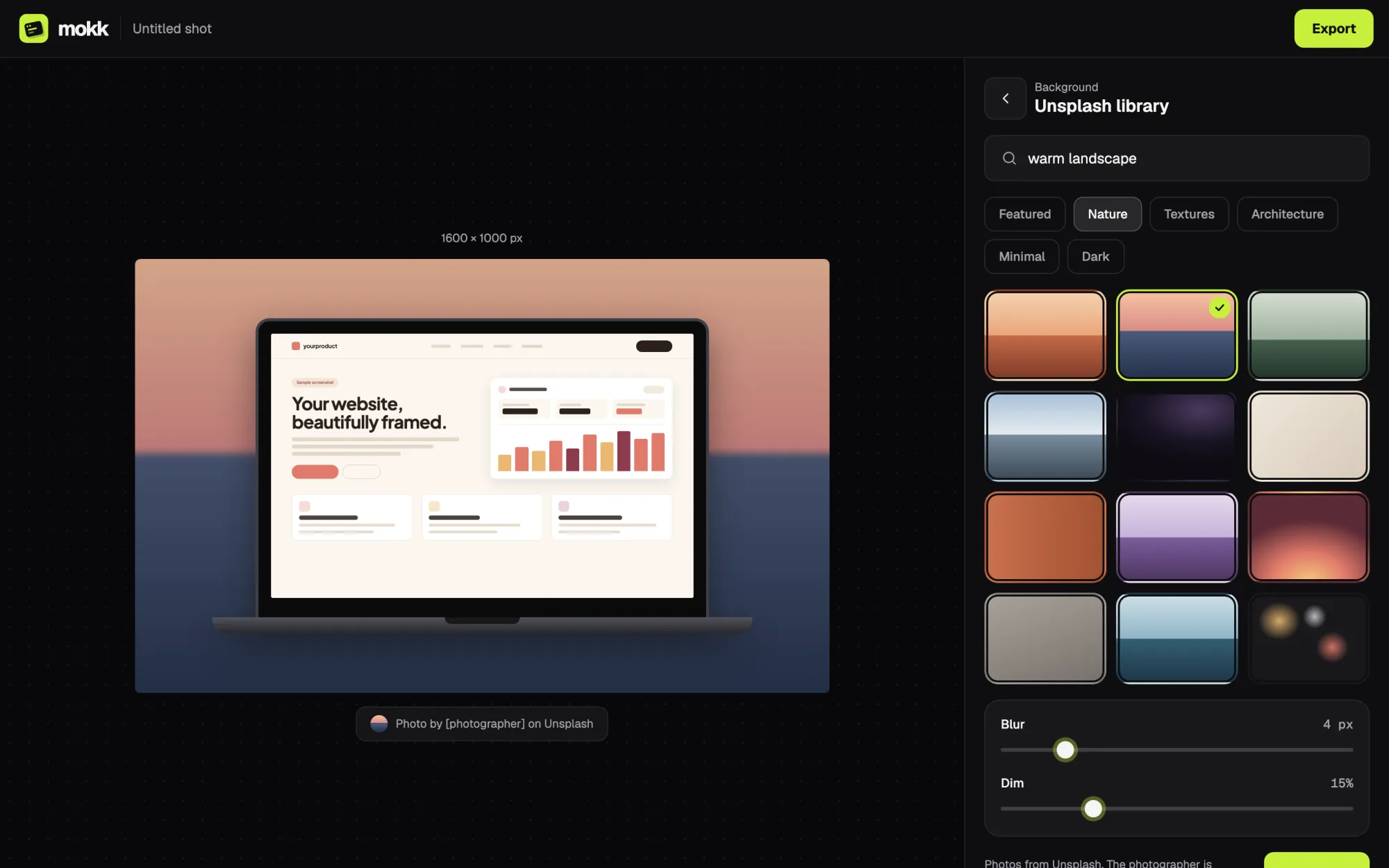
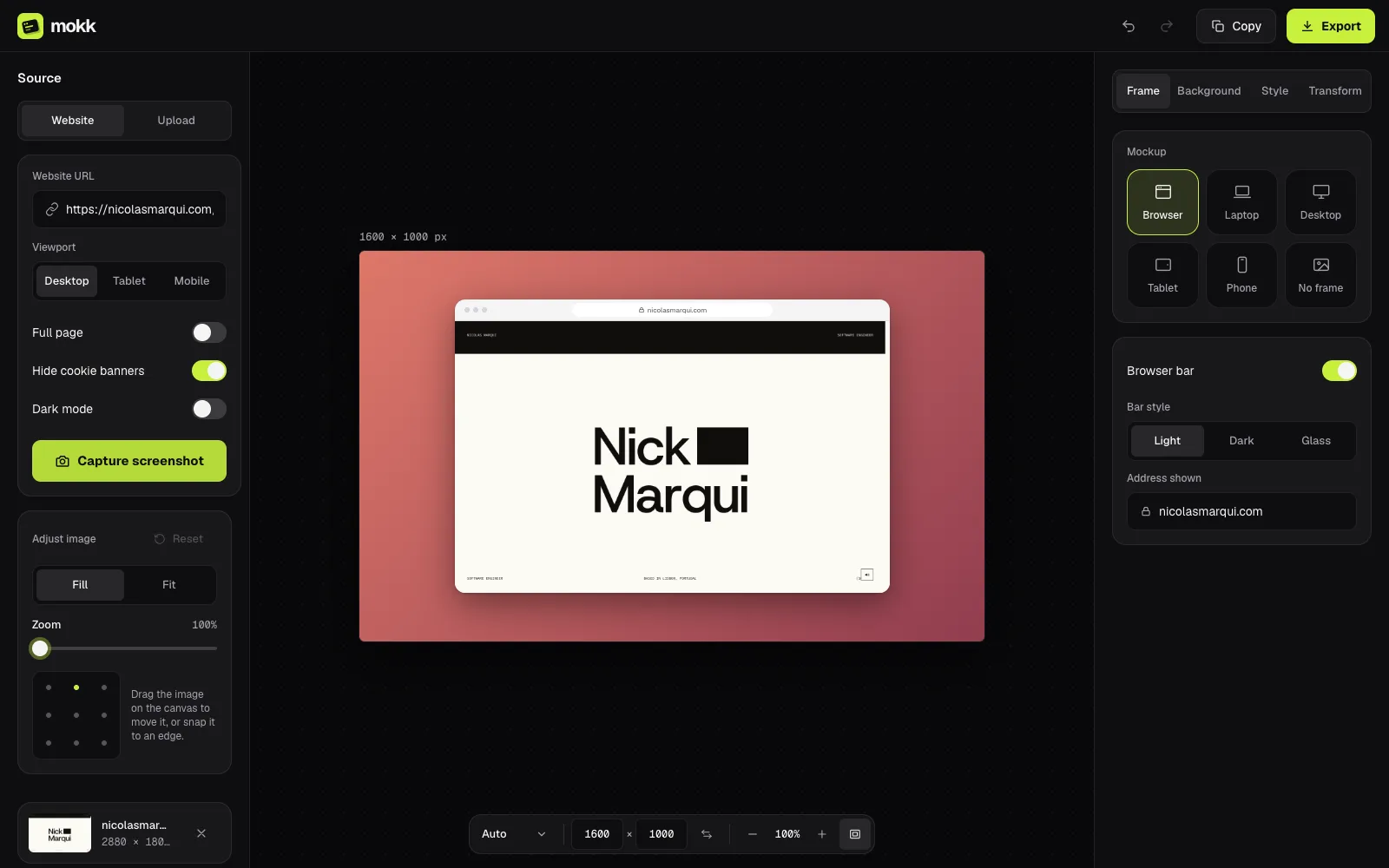
It’s two parts. A small Express service runs Puppeteer to open any URL in a real browser at desktop, tablet or mobile size, with options for full-page shots, dark mode and hiding cookie banners, and it’s rate-limited so nobody can hammer it. The Next.js editor then puts the shot in a browser, laptop, desktop, tablet or phone frame, sets it on a gradient or an Unsplash photo, adds shadow and 3D tilt, and exports PNG, JPG or WebP at 1× or 2×, or copies it straight to your clipboard.
Mokk
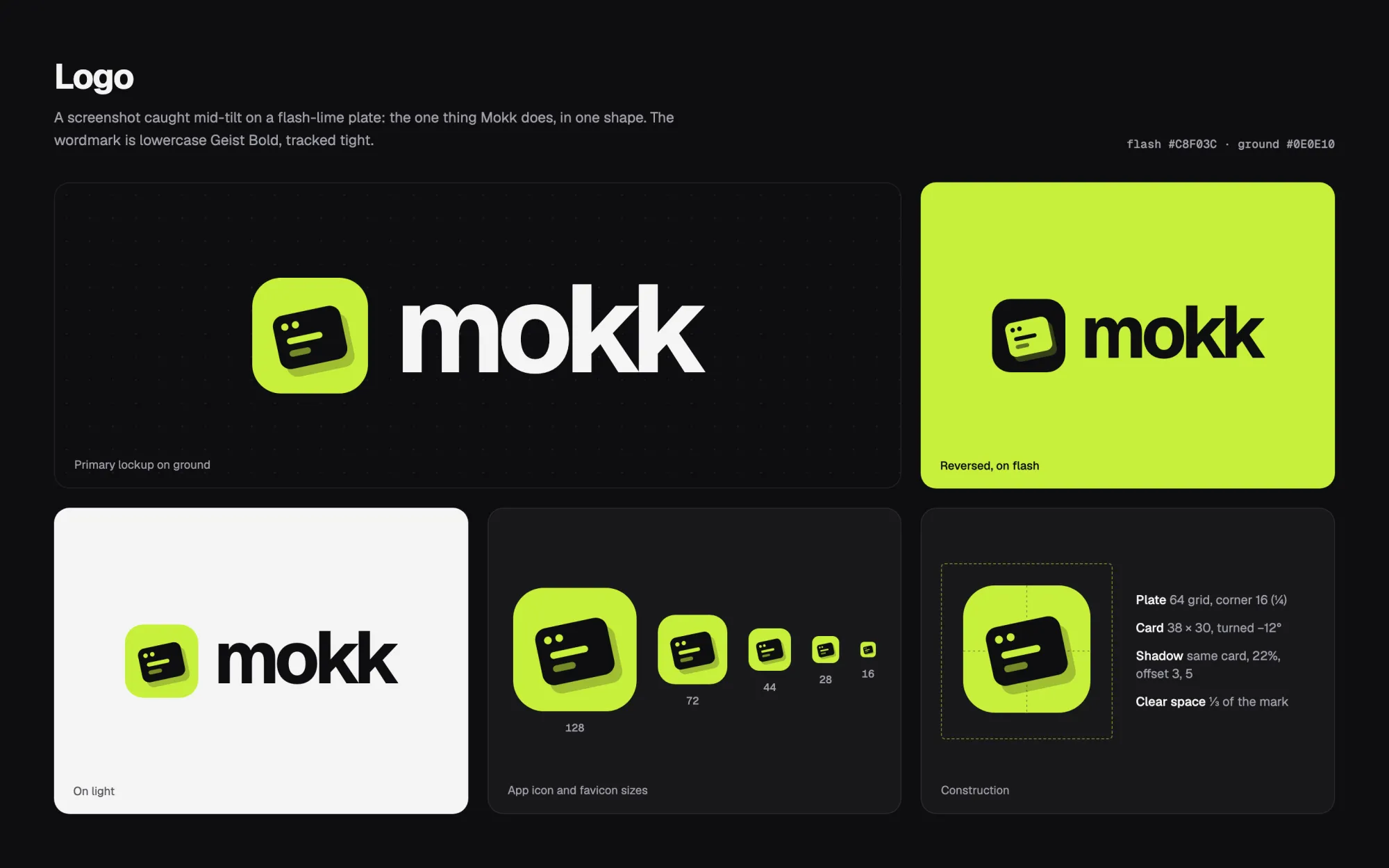
Mokk is basically a darkroom. The interface is all neutral graphite with no warm or cool tint, so whatever background you pick looks the same in the editor as it does in the export. There’s exactly one colour, a lime flash, and it only marks what you’re acting on: the main button, the selected frame, slider fills. If two things on screen are lime, one of them is wrong. Everything is set in Geist, with Geist Mono for the numbers so values don’t jitter while you drag a slider. And the logo is a screenshot caught mid-tilt, which is pretty much the whole app in one shape.
- Type
- Geist · Geist Mono
- Colour
- Ground#0E0E10App background
- Surface#18181BPanels and cards
- Raised#27272ASelected, hover
- Ink#F5F5F4Text
- Muted#A1A1AALabels
- Flash#C8F03CThe one accent